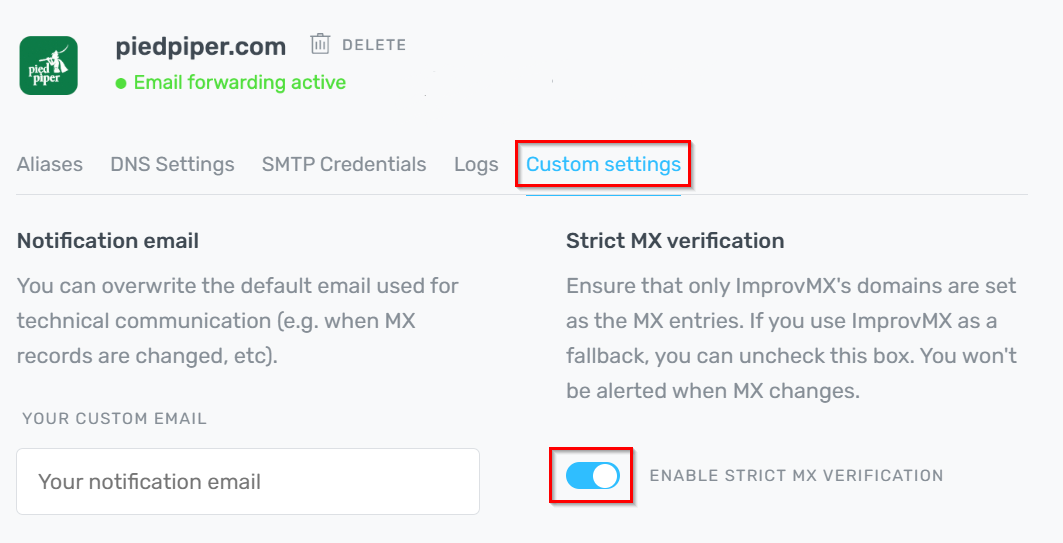
Strict MX Verification
Strict MX Verification is on by default. It alerts you when another MX record outranks ImprovMX, which only matters when ImprovMX is meant to be your primary MX.
When to use which setting:
- Enable: ImprovMX should be the highest-priority MX for the domain (primary).
- Disable: ImprovMX isn't your primary MX by design (failover, split delivery, or SMTP-only sending, so there are no ImprovMX MX records).
How to toggle it:
- Log in to ImprovMX and select your domain.
- Go to "Custom Settings".
- Use the Strict MX Verification toggle to enable or disable.
Still have questions? Feel free to reach out to our support team!