Email Forwarding vs. SMTP Sending
Email Forwarding (Receiving):
You point your domain's MX and SPF records to our servers, and we pass incoming mail to your real inbox (Gmail, Outlook, etc.).
For example, we accept mail for addresses like richard@piedpiper.com then forward this to one or more destination addresses e.g. richard.hendricks@gmail.com
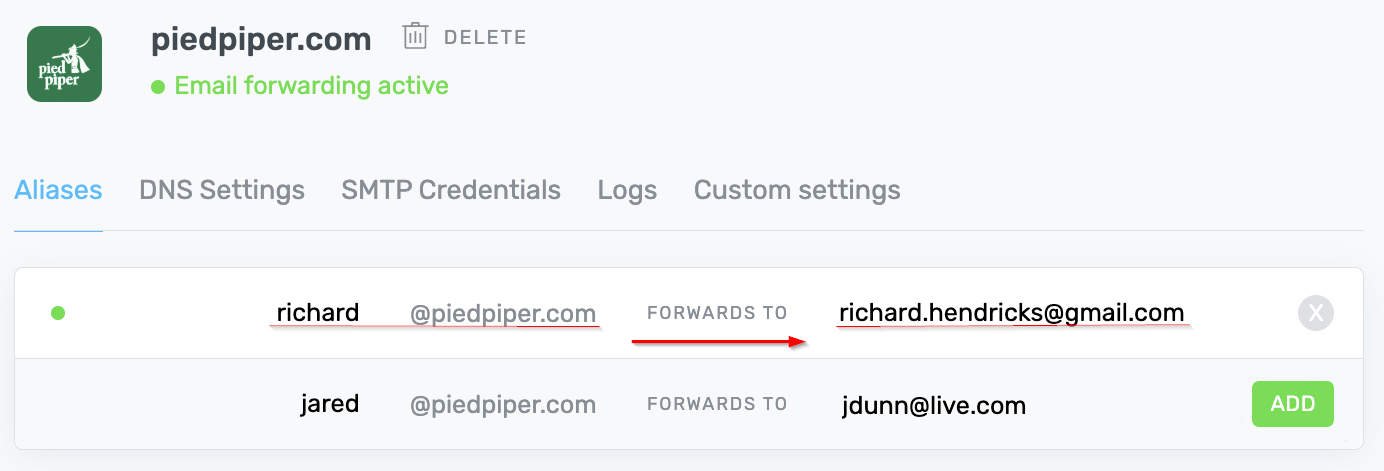
- You can forward via simple Aliases and Forwarding Rules.
- We do not host your inbox, you bring your own.
- Forwarding is available on all plans but limits vary between plans.
ImprovMX SMTP Sending:
SMTP is the standard protocol used to send email. ImprovMX SMTP is our outgoing email feature, built on top of that protocol.
SMTP lets you send emails from your custom domain using the same inbox you
forward to (Gmail, Apple Mail, Thunderbird, etc.). This allows you
to reply as, i.e. richard@piedpiper.com from the Gmail inbox that
receives forwarded mail.
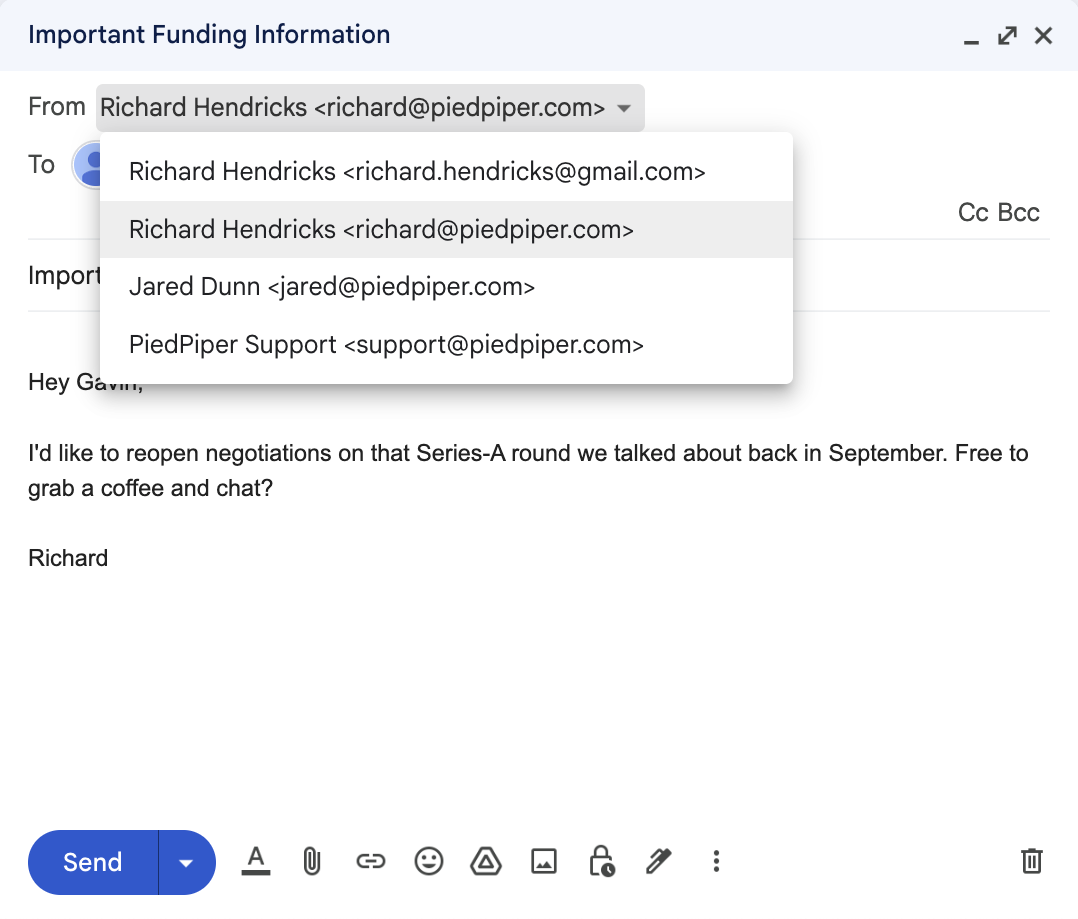
- ImprovMX SMTP is available only on paid plans. Limits vary between paid plans.
- Intended for normal business/personal email, not bulk or mass mailing.
- You can also send from your SMTP-capable app/service (site forms, backend services sending transactional messages, scripts etc.)
Gmails "Send mail as" sending service
This is a free workaround to send emails from your domain using a legacy Google Gmail feature.
Mail sent in this way lacks proper email authentication (SPF, DKIM, and DMARC), which most mail providers now require. As a result, some providers - such as Yahoo - may reject messages sent this way entirely, while others may send them to spam.
It also adds a via gmail.com note to your emails which can detract
from the professional appearance of your emails.
This feature relies on an older Google functionality that could be discontinued at any time. For better reliability, we recommend switching to ImprovMX SMTP.