Rules Routing
NOTE: Rules Routing is a paid-account feature.
Looking for API methods? Find them here.
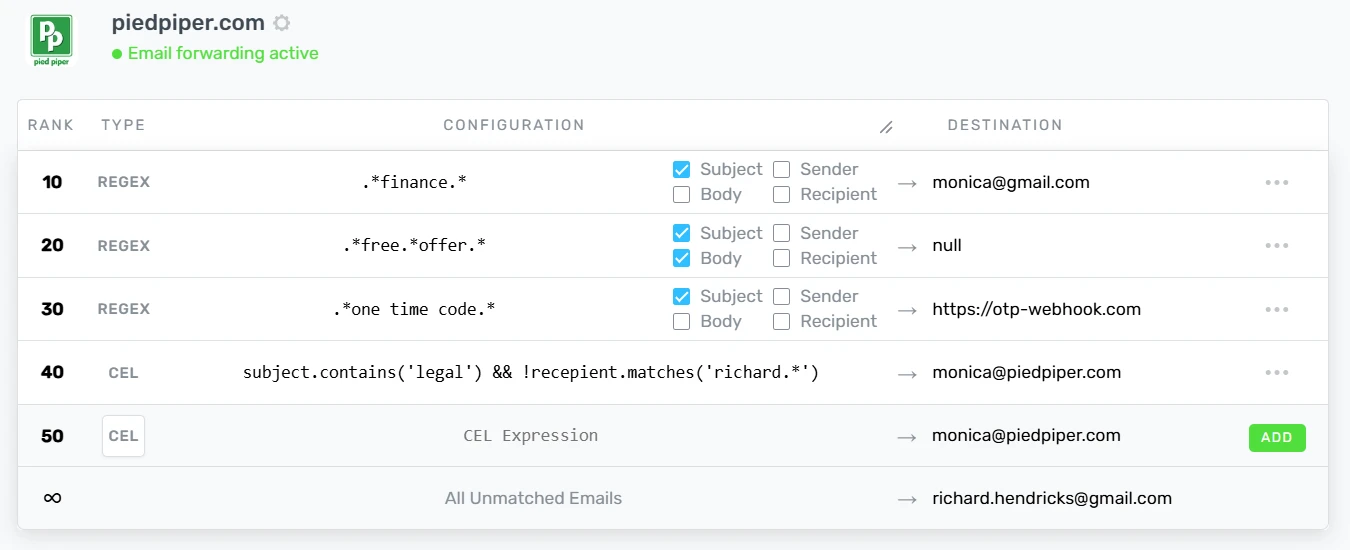
ImprovMX lets you craft fully customizable routing rules to intelligently route incoming emails.
For example:
-
emails with
financein the subject route tofinances@piedpiper.com -
emails with
free offerin the subject or body route to trash -
emails with
one time codein subject route to a webhook -
emails with
financein the subject AND NOT torichardroute tomonica@piedpiper.com
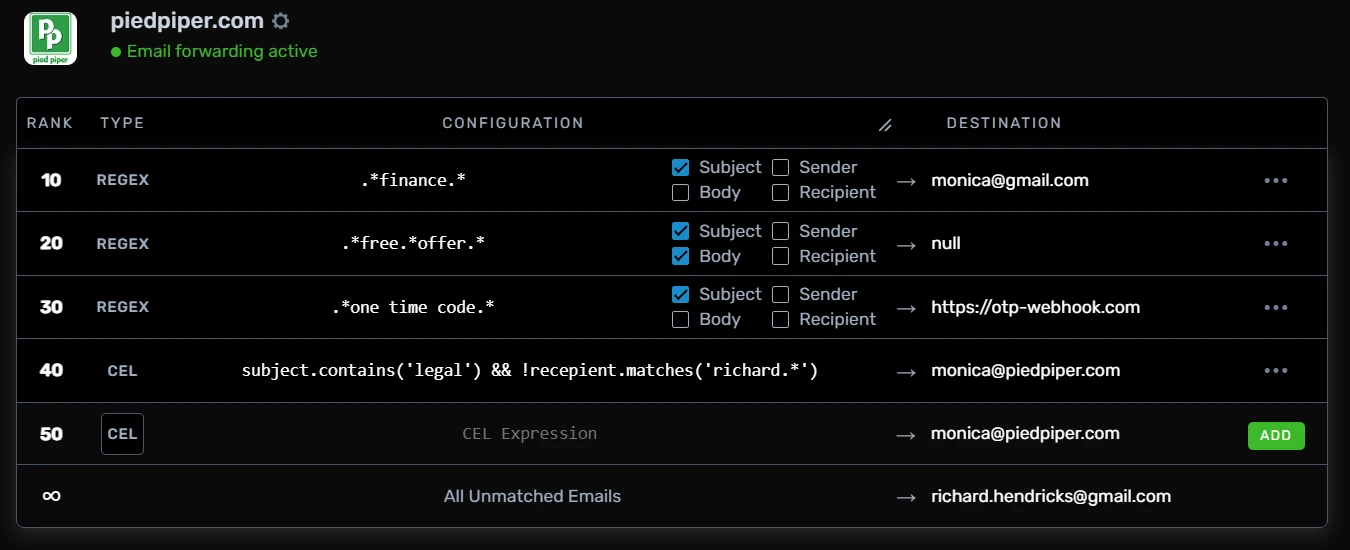
These powerful rules can be configured intuitively from our domain dashboard.
Enabling Rules Routing
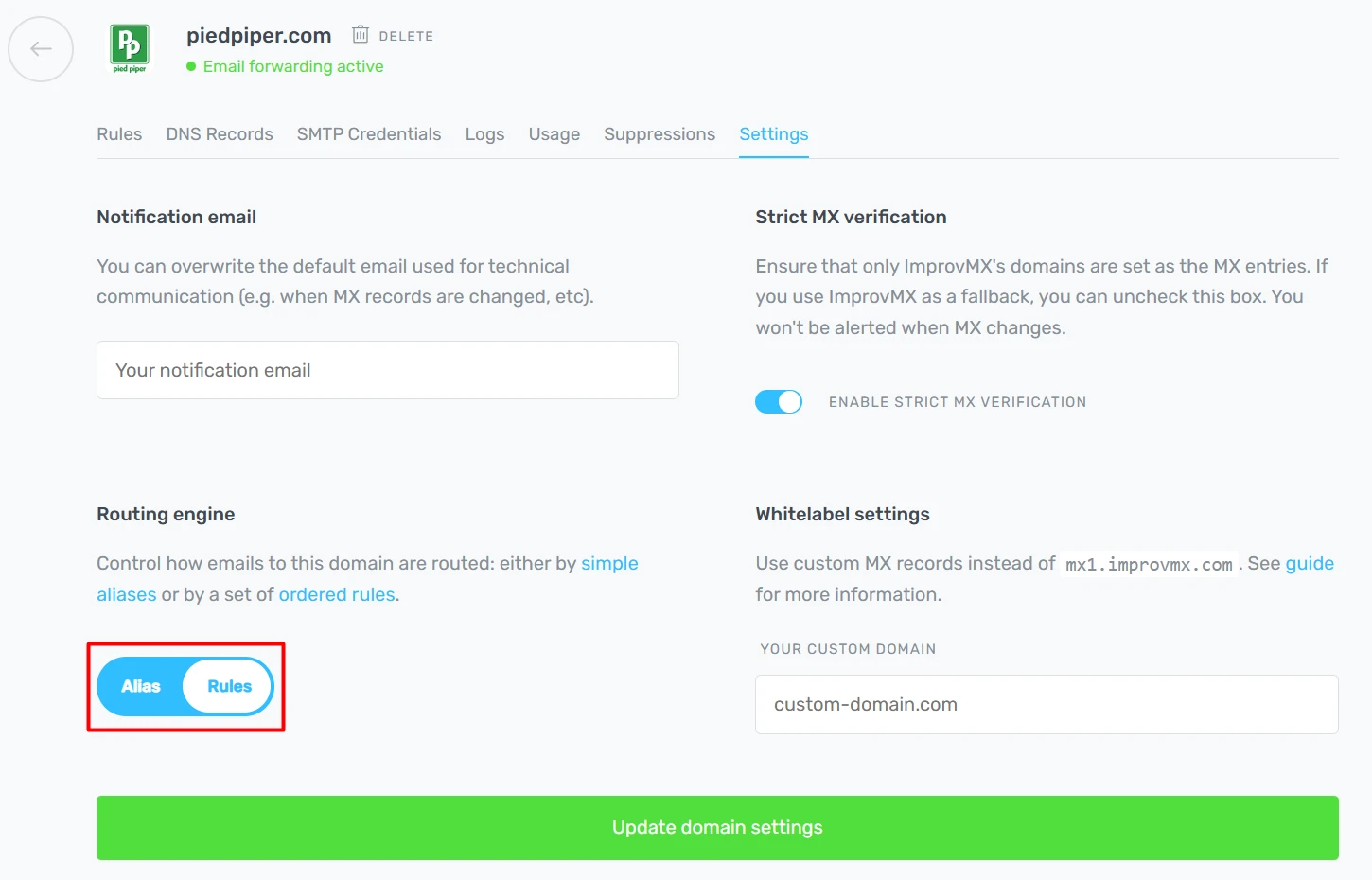
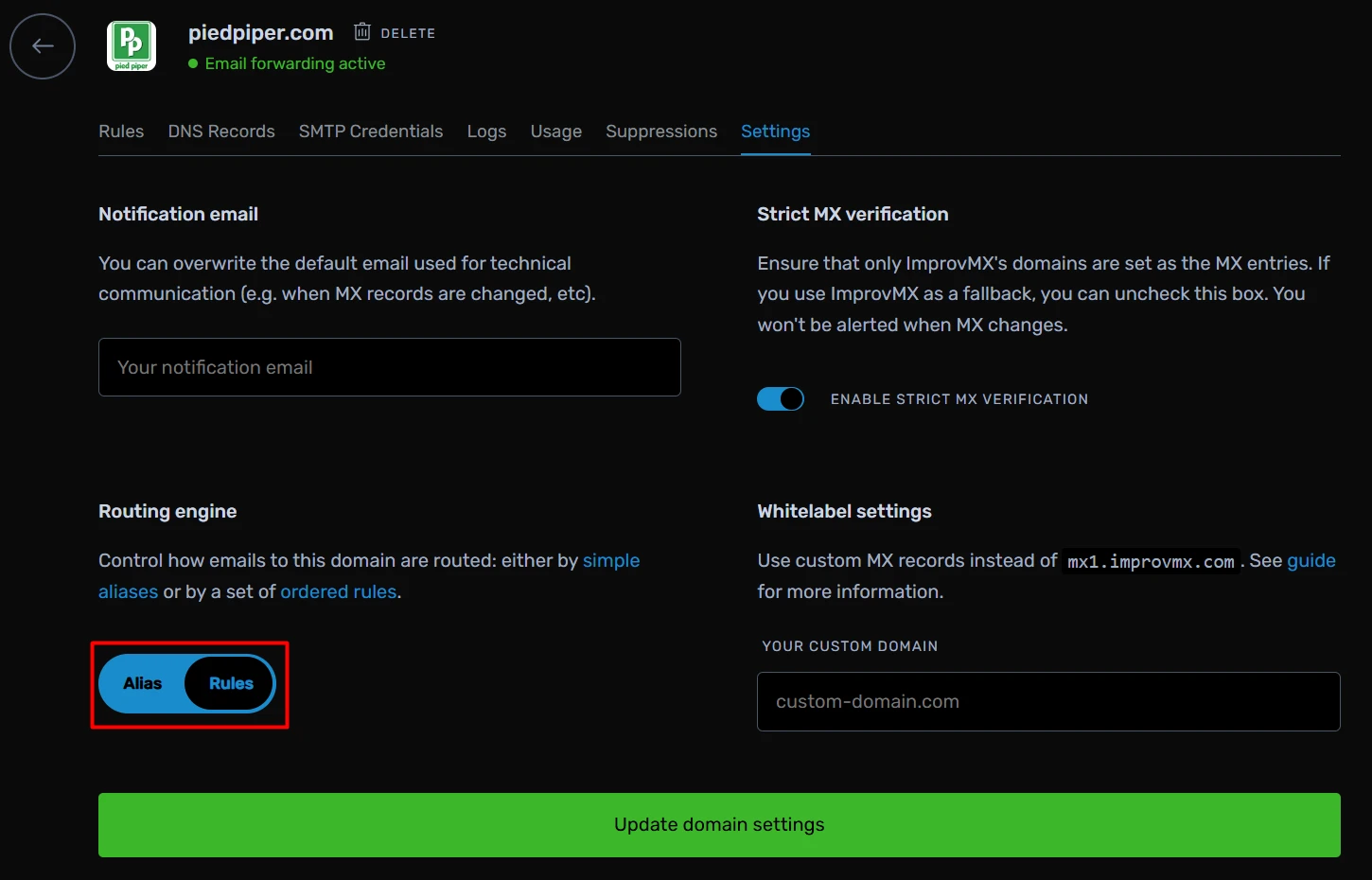
Visit your domain's custom settings page, and select Rules from the
toggle and click the Update button. Your normal alias interface will
now change to a rules routing interface.
Alias Rules
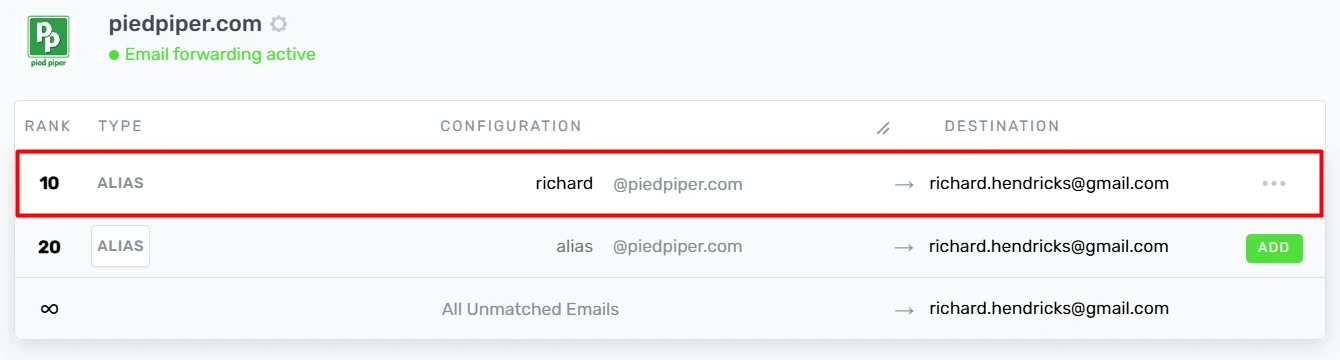
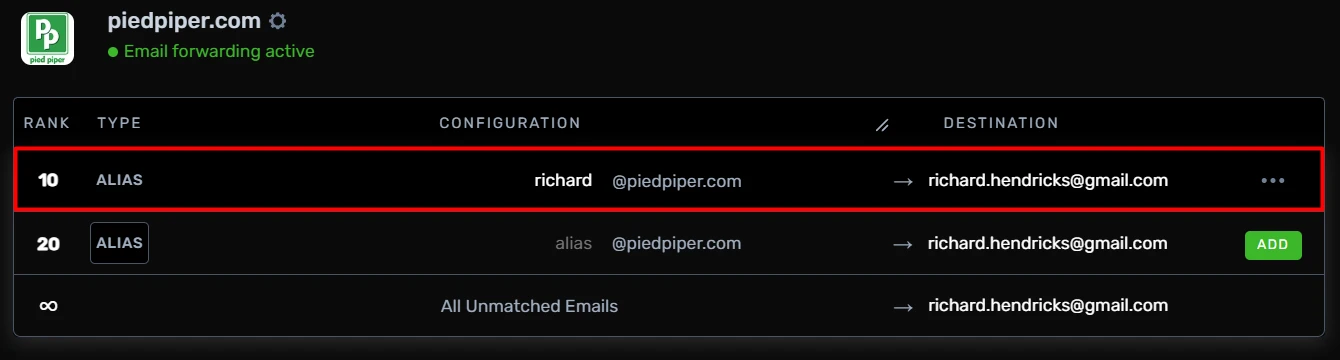
Alias rules recreate the classic Alias Routing
experience. For example, richard@piedpiper.com -> richard.hendricks@gmail.com
Wildcard
(*) and regular expression (regex) patterns are supported.
For example:
-
*@piedpiper.comwill match any alias underpiedpiper.com. -
sales*@piedpiper.comwill match aliases starting with "sales".
Regex Rules
Regex rules let you match arbitrary text in the email's subject, body, sender, or recipient using regular expressions.
In the following example, we match any email with Order Confirm
or Payment Confirm in the subject, and route to account@piedpiper.com. This is done using by checking the subject checkbox and inputting the
following regex: .*(Order Confirm|Payment Confirm).*.
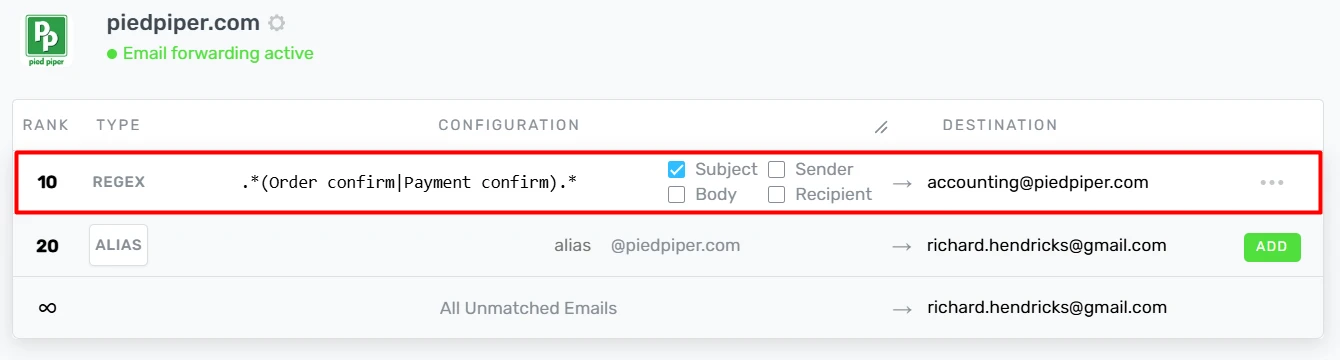
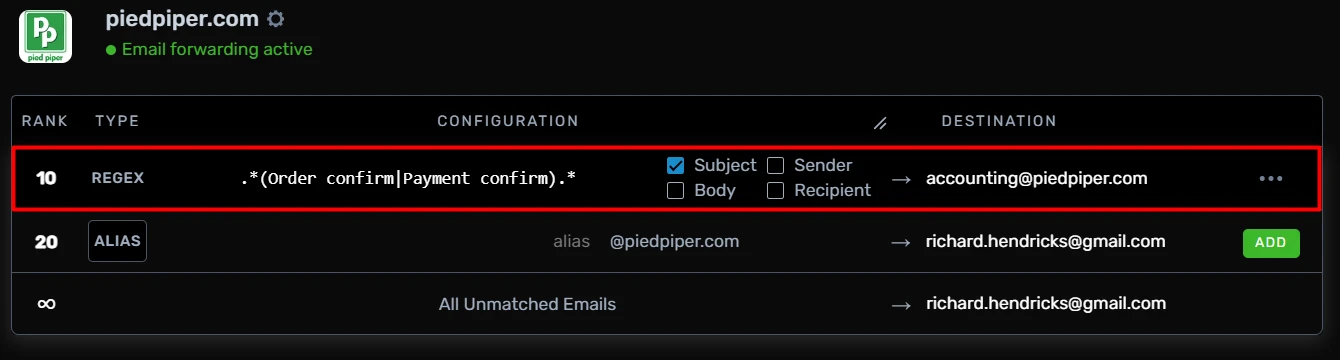
You can select multiple checkboxes, which try to match the string against any of the email's subject, body, sender, or recipient. We suggest using regex101.com to test out your regex against test text.
CEL Rules
CEL is a fully customizable Domain Specific Language (DSL) that allows you to write complex logic.
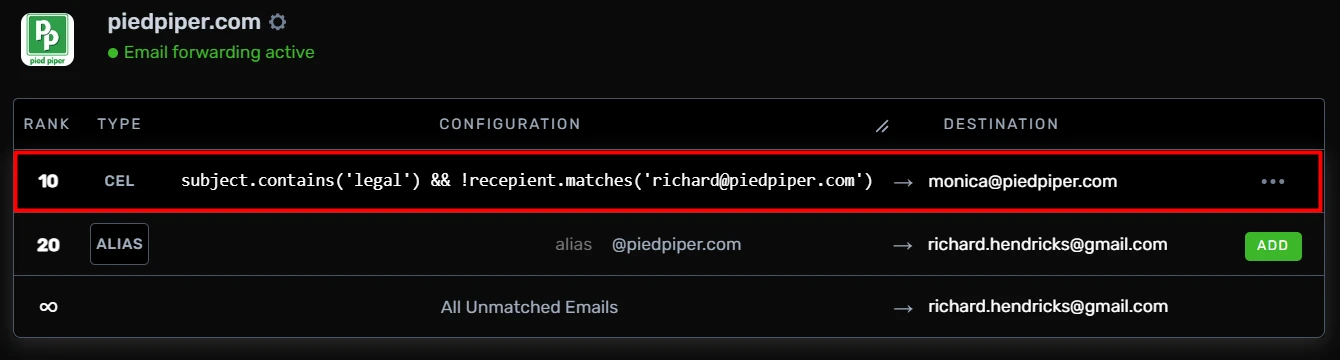
In this example, emails with finance in the subject and not to richard@piedpiper.com are routed to monica@piedpiper.com.
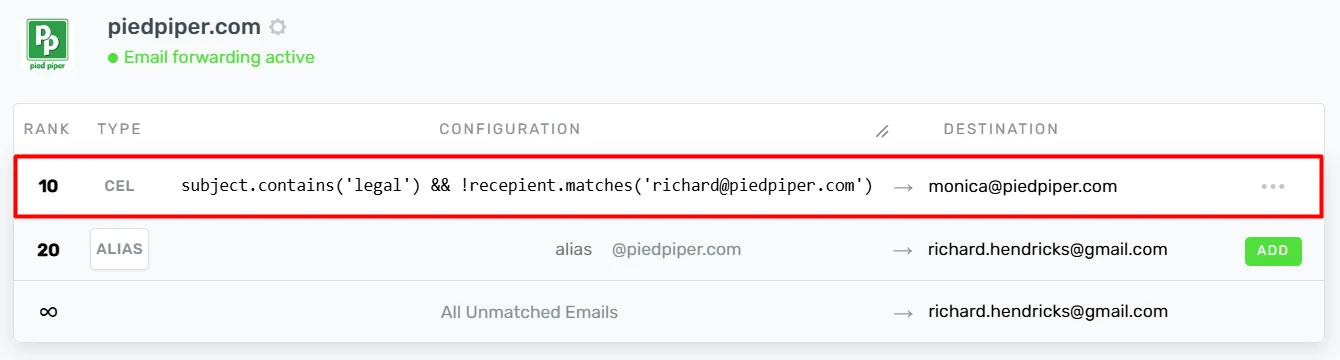
The objects we currently support are:
subjectbodysenderrecipienttocc
A few common CEL functions are:
-
subject.contains('text')matches if thesubjectcontainstext -
subject.endsWith('suffix')matches if thesubjectends withsuffix -
subject.startsWith('prefix')matches if thesubjectstarts withprefix -
subject.matches('.*Hello.*')matches if thesubjectmatches the regular expression.*Hello.*
A few common CEL operators
&&the AND operator||the OR operator!the NOT operator
See the full language definition, the possibilities are endless! We understand constructing these rules can be pretty complicated—please reach out to support if you need help!


Rule Rank
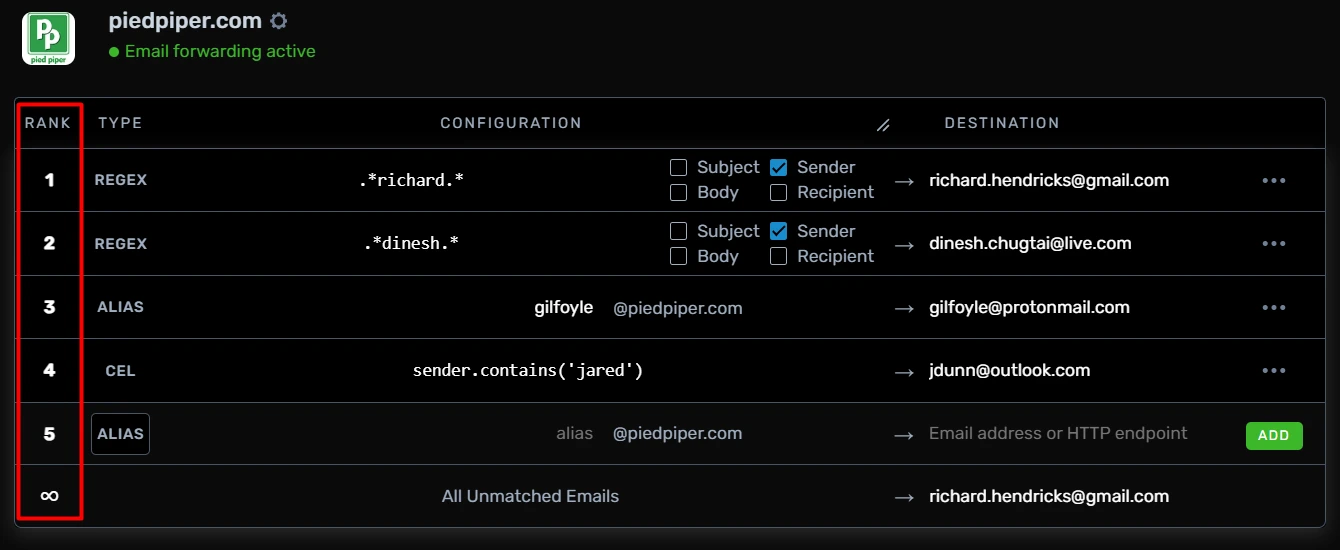
Each rule has an associated rank. On each incoming email, we evaluate all your rules in rank order (lowest first), and the first matching rule will deliver the email to that rule's destination.
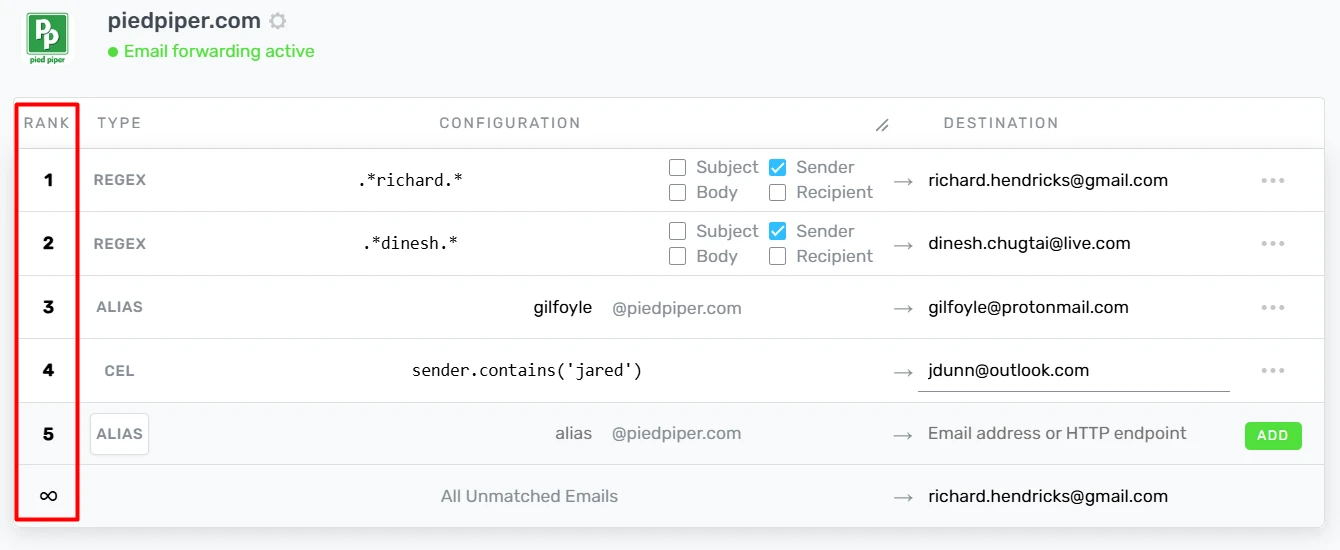
You can change a rule's rank via the UI or via the API.
Rule Destination
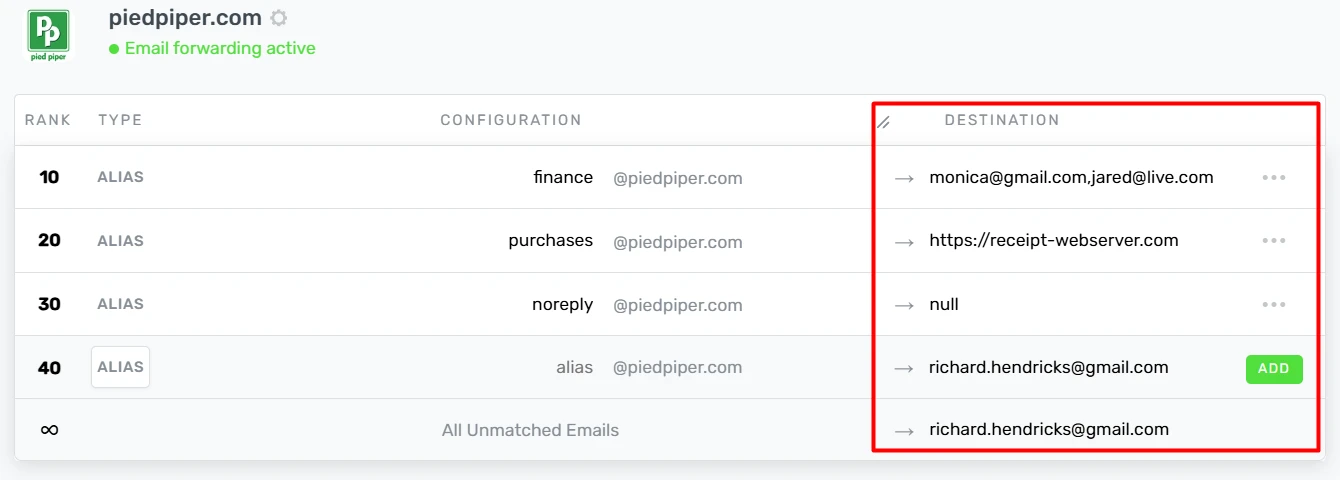
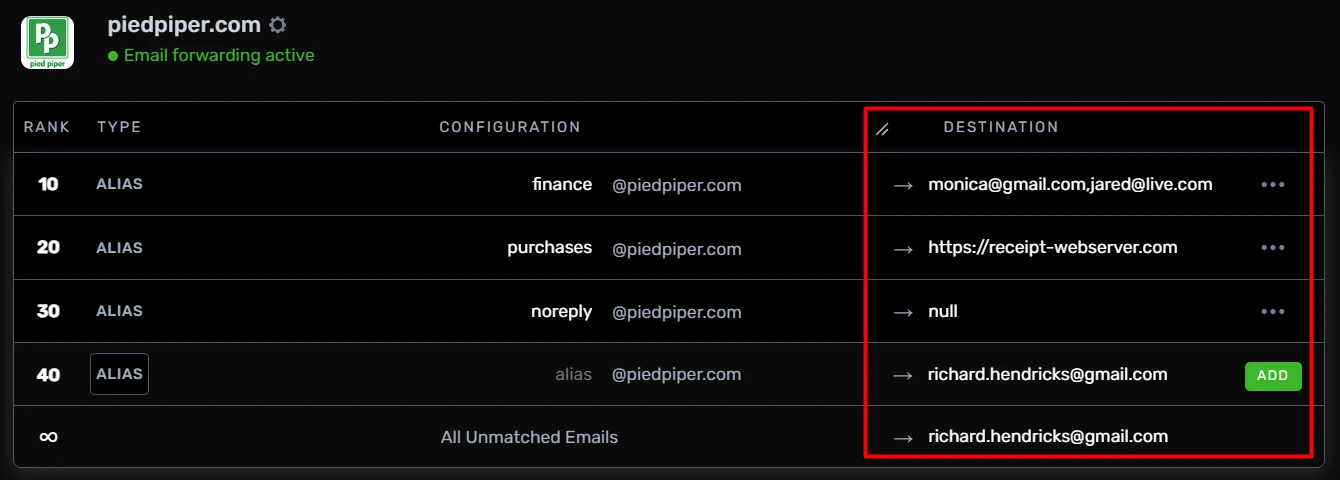
Specify an email address for each rule. Or specify multiple addresses, null, and/or webhooks. This follows the same convention as our alias destinations.
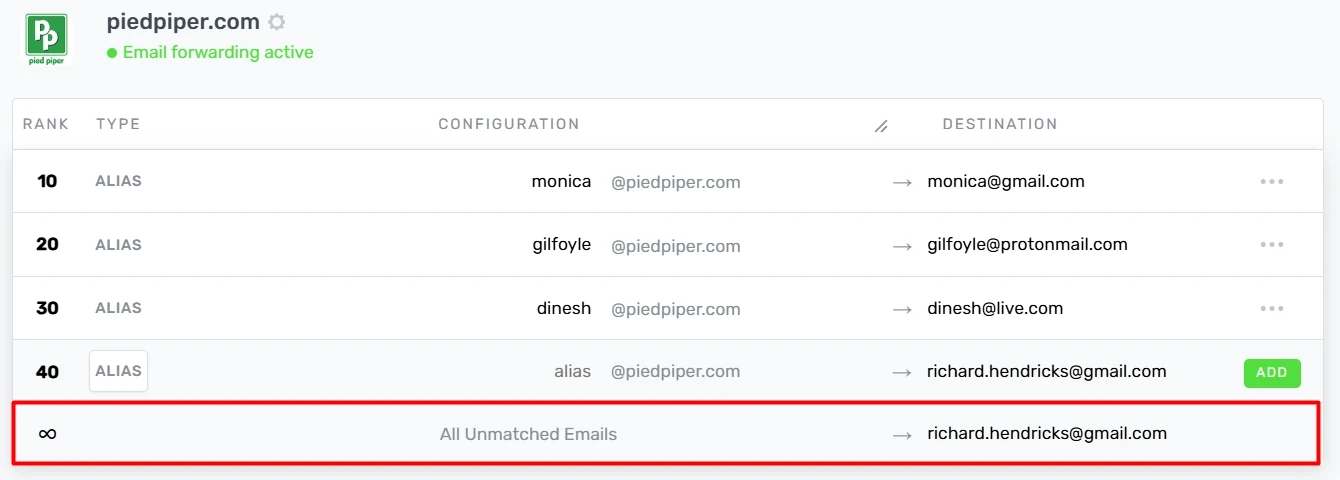
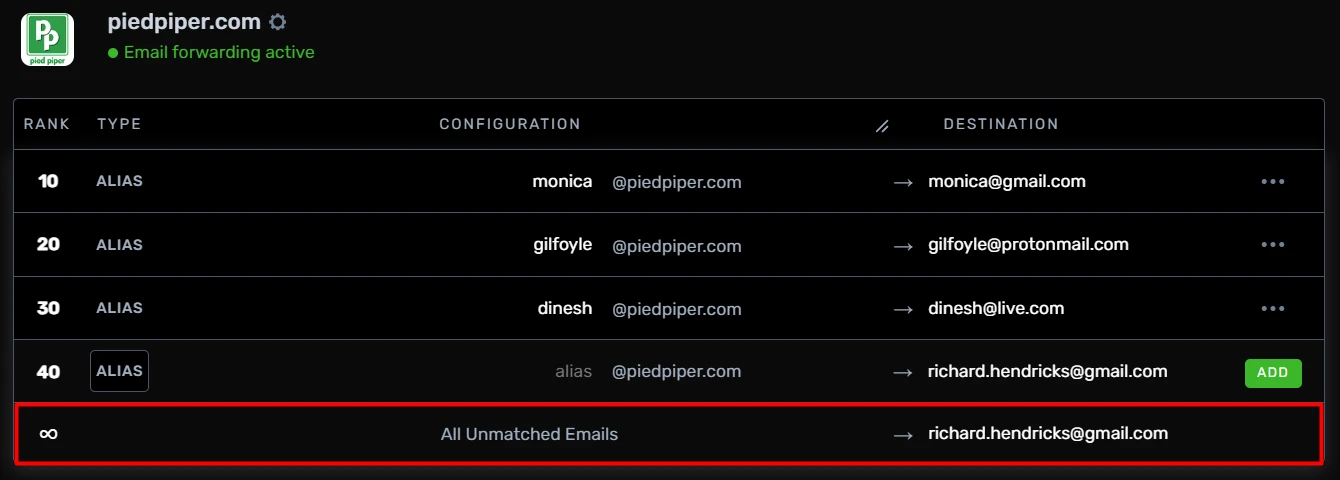
Fall Through Rule
What happens if no rules match for a given email? It fall through to the
"All Unmatched Emails" rule, which defaults to the email of your account.
You can change this, or set it to null to drop all unmatched emails.
Thank you for using our Rules Feature. If you have any issues or feedback, please reach out to us!