How do I Delete my ImprovMX Account?
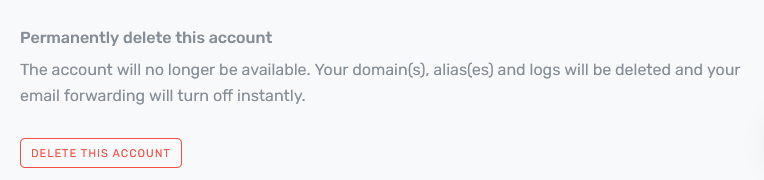
To securely delete your account and associated information, please log into your dashboard at app.improvmx.com, click "Account Info" on the left, and then scroll down to the delete account option.
If you're unable to do this and would like ImprovMX to carry out the deletion process for you, please email from your account email address, confirming your intent to delete the ImprovMX account associated with it.
We'd love to know if there was something we could be doing better and we'd welcome any feedback about the reason that caused you to leave.