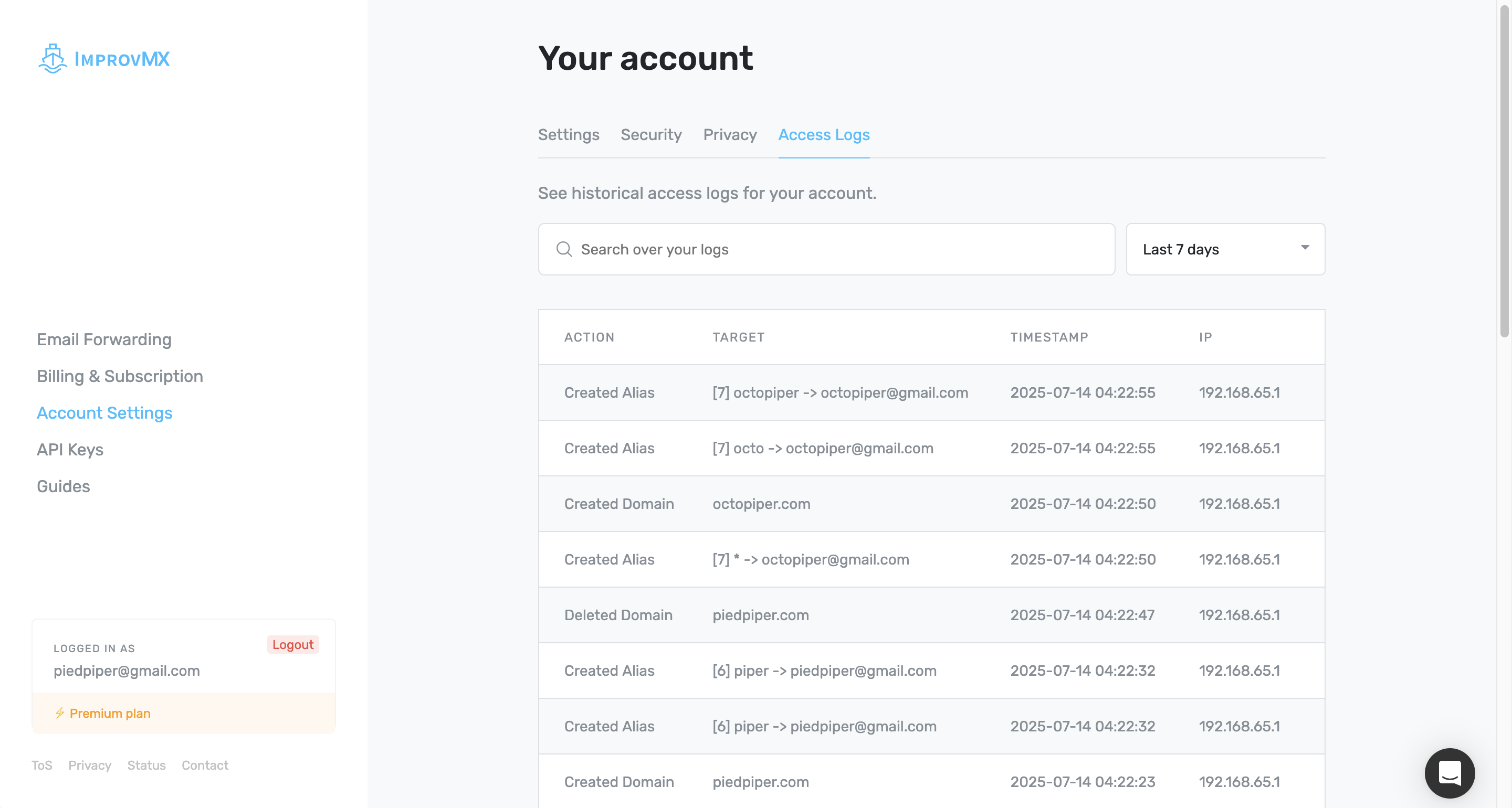
Account Access Logs
It can be hard to monitor changes made to your email forwarding setup, especially if your account is managed by multiple users. To help keep track of such changes, we log account-modifying actions and let you inspect them in the UI.
Access Logs show when account modifications were made, what they were, and which IP address performed them. You can also search the Access Logs based on the action, target, timestamp or IP. The Access Logs store actions such as:
- Creating, updating or deleting a domain/alias
- Creating or deleting an API key
- Creating or deleting SMTP sending credentials
- Login attempts
- etc.
The Access Logs are stored for 12 months, after which they are automatically deleted.
To view your Access Logs, click on Account Settings in the navigation bar, then select Access Logs: