Raycast Extension
Have you already needed to quickly add an alias to a domain on ImprovMX? You'd need to head over to the dashboard, remember your password, or request a magic link, and only then access it.
To go even faster, we've built a Raycast extension that allows you to manage your domain and aliases from your computer in seconds. For now, this is only available on macOS. The extension is free and works for free plan users.
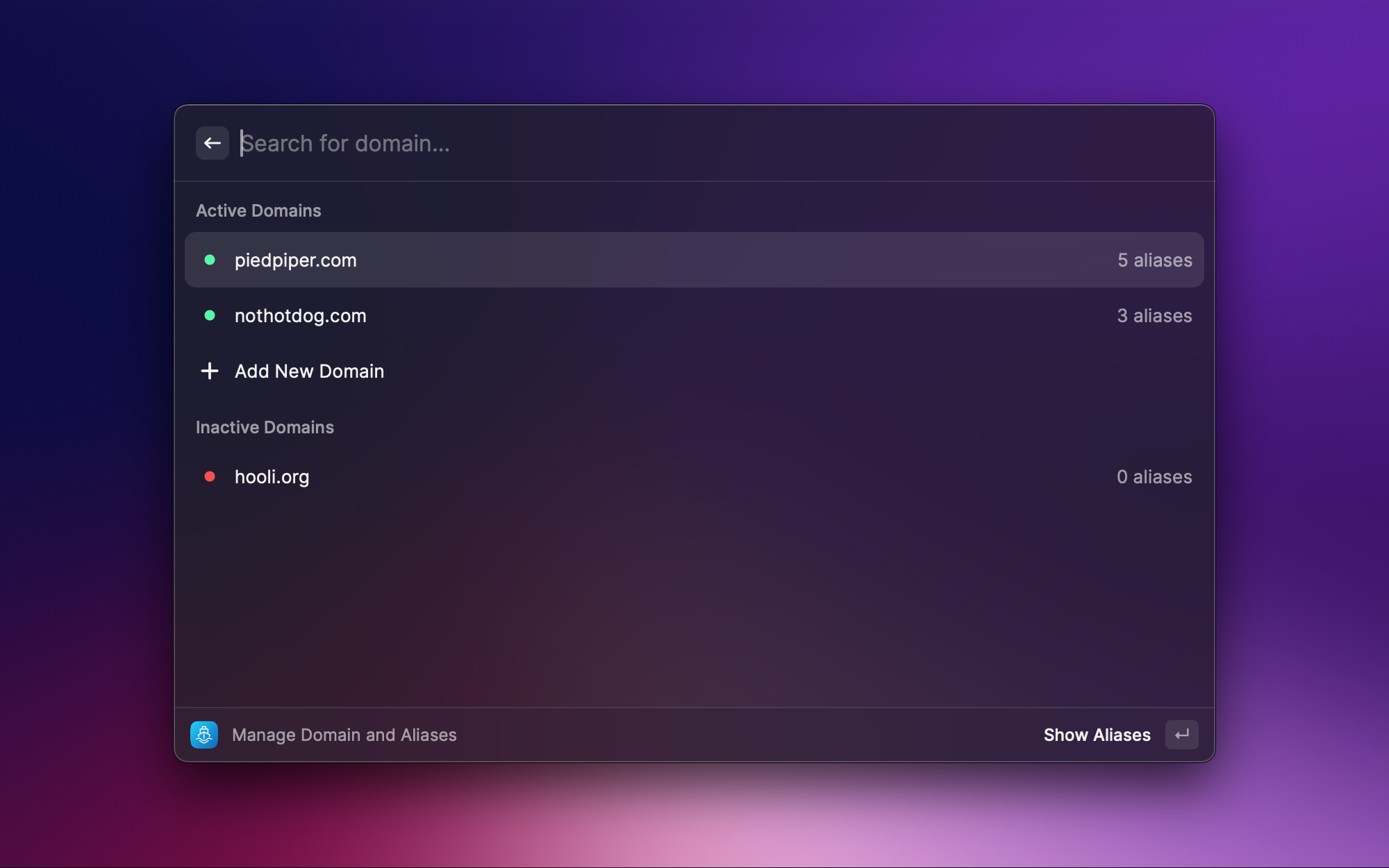
Commands
This extension provides a few commands that help to manage your email setup quickly and efficiently from the Raycast command panel:
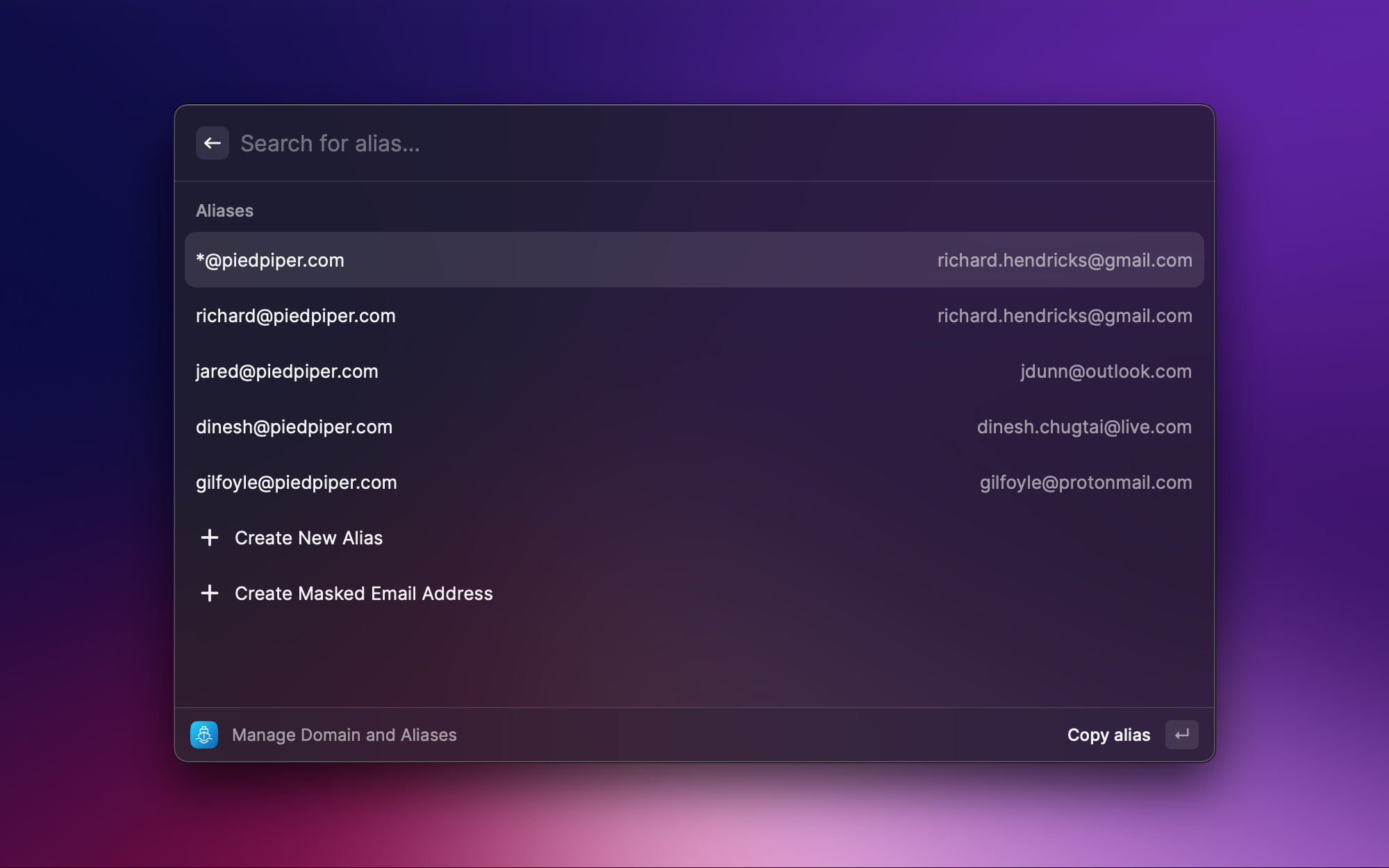
- Manage Domain and Aliases
Manage ImprovMX domains and aliases from the Raycast interface. - Create Masked Email Address
Quickly generate a new masked email address. Add a default domain to "Masked Email Address" in the extension preferences to use it as a default domain for masked email addresses. This will save you some time when creating masked email addresses. - Add and Manage Domains
List, and add a new domain to your ImprovMX account. - Create and Manage Aliases
See which aliases are live on your account, and create a new alias for a domain. - Create and Manage SMTP Credentials
Create SMTP credentials for a domain to be able to reply from an alias. - Open Dashboard
Open the ImprovMX dashboard in your default browser to manage domains and aliases. You'll be logged in automatically through your API key, no need to fiddle with passwords or magic links ✨
Getting started
To use this extension, you need to have Raycast installed on your macOS device. Once you have Raycast installed, you can install this extension from Raycast's official store.
How to get a free ImprovMX API Key?
- Create a free account and add your domain on https://improvmx.com
- Head over to https://app.improvmx.com/api and click on "Generate a new API key"
- Copy the provided key
- Paste it when asked on Raycast 🎉