Why am I getting error: "5.1.9 Domain is not configured to send emails"?
This error occurs when you're attempting to send via ImprovMX SMTP (available on the Premium and Pro tiers), but we're unable to affix the required DKIM signature on outgoing mail due to DKIM / DMARC not resolving during the time of sending.
When utilizing ImprovMX SMTP, we require that DMARC / DKIM authentication is active on the domain so that we can properly sign each email as the intended, authenticated, sender.
Without the required DKIM / DMARC records, you'll find that emails will not send and will appear in your logs (available via your dashboard) in a similar manner to the image below.
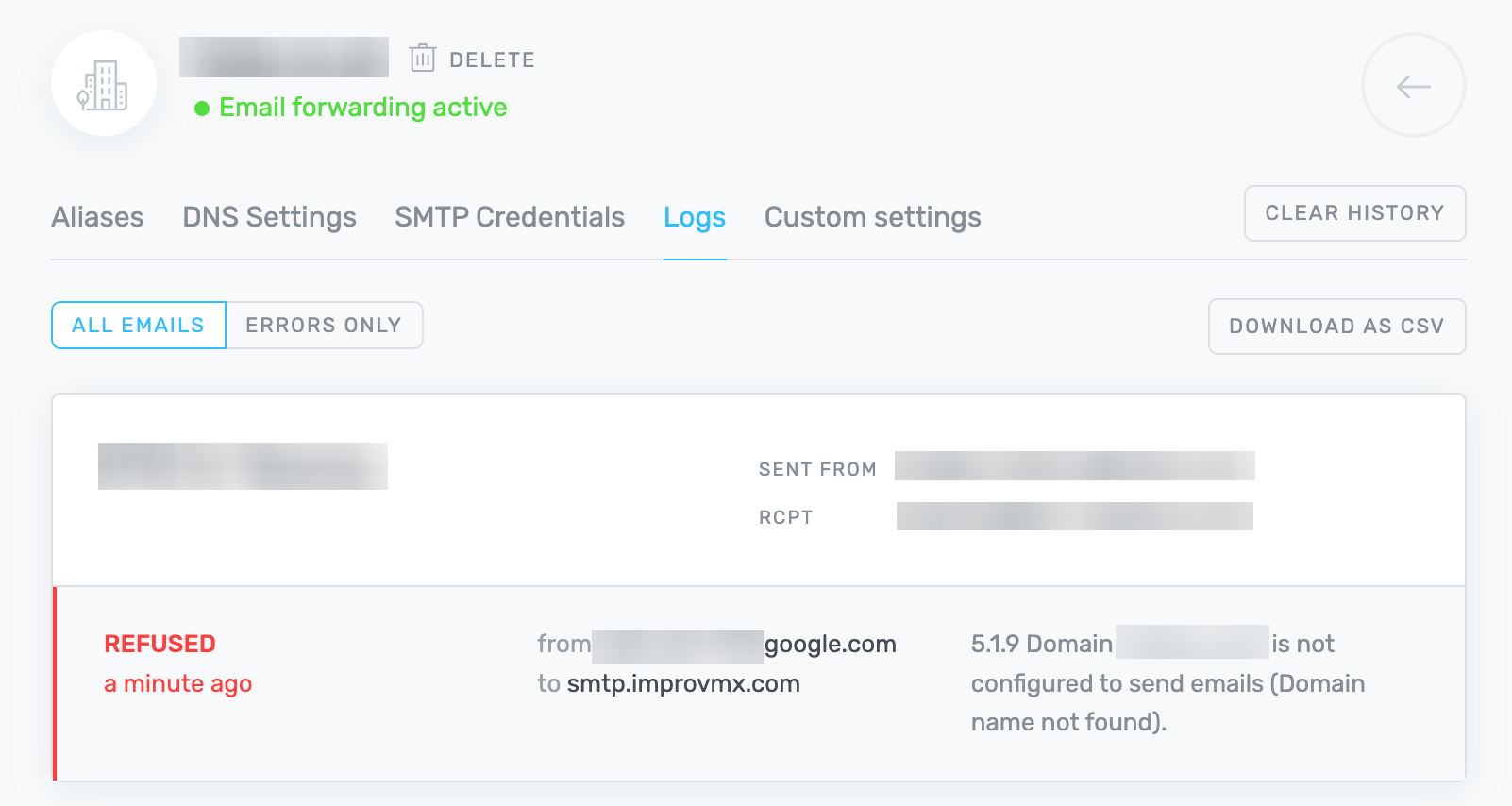
To resolve this, head over to the DNS Settings tab for your domain in the Dashboard. Here, as long as you have already created at least one SMTP credential, you'll find a section for both DKIM and DMARC records.
You'll need to create these DKIM (CNAME type) and DMARC (TXT type) DNS records via the DNS control panel for your domain. There is an in-depth article about this here.
Once done, allow a few hours for propagation (occasionally up to 24 - 48 hours) and you'll be ready to send emails from your SMTP alias!