Catchall / Wildcard Aliases
A catch-all alias in ImprovMX receives all emails sent to your domain, even if the address doesn't exist. This is useful for catching typos or monitoring all inbound mail.
When you add a domain to ImprovMX, a catch-all alias is created by default. If it's missing, follow this setup:
- Log in to ImprovMX and go to domain's Aliases dashboard.
-
In the Alias field → enter
*(wildcard). - In the Forwards To field → enter the destination email address.
- Click Add
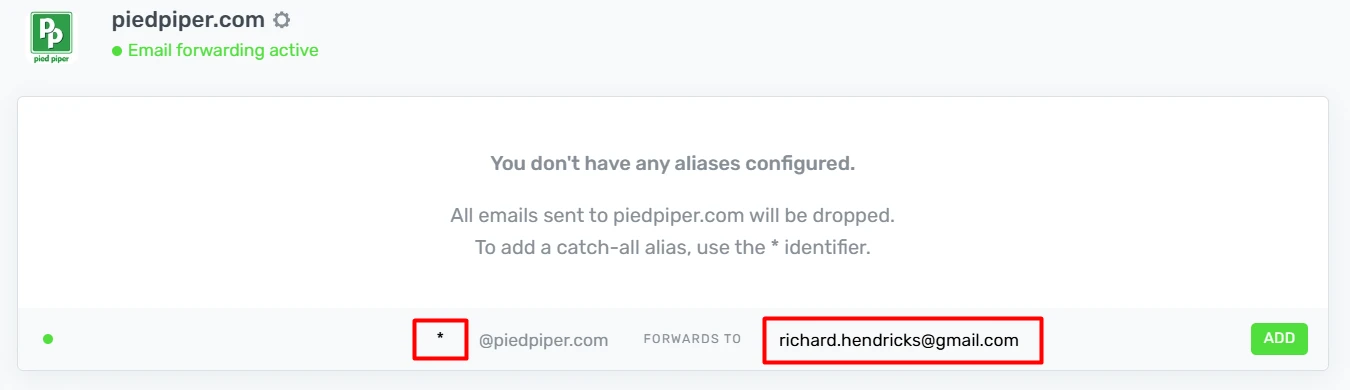
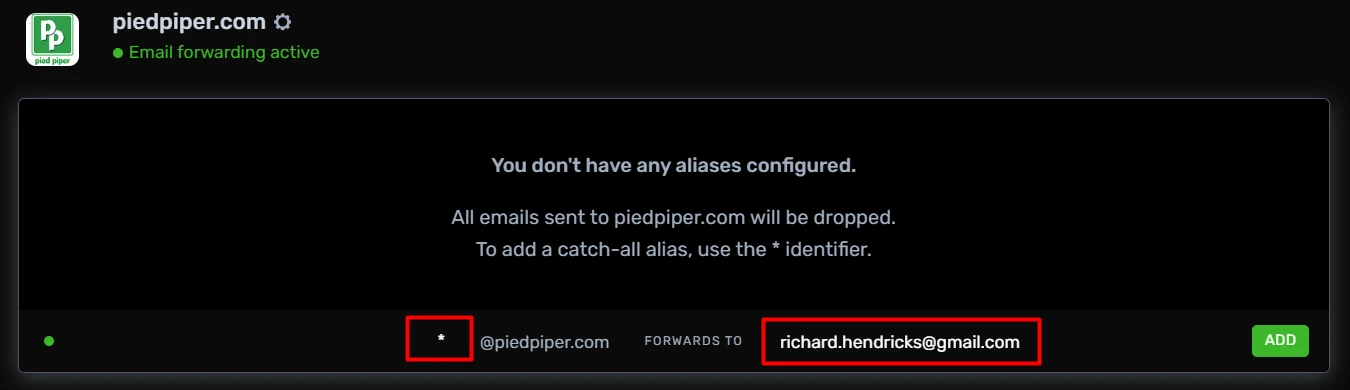
Result: All unmatched emails to your domain will forward to the specified address.
Test: Send an email to a random address at your domain (not from your destination address) and confirm it arrives.
Still have questions? Feel free to reach out to our support team!