In today's digital-first world, email remains a cornerstone of professional communication. However, the challenge isn't just in sending messages, it's ensuring they reflect the professionalism and integrity of your brand. This is where ImprovMX SMTP, an exclusive feature of our premium plans, steps in to revolutionize how you send emails. By enabling you to send and reply directly from your own domain, ImprovMX SMTP not only fortifies your brand identity but also guarantees that your emails land in the intended inbox, not the spam folder.
Why ImprovMX SMTP is your email strategy game-changer
Brand consistency and professionalism: Every email sent from your domain is an opportunity to reinforce your brand's image. ImprovMX SMTP ensures that your communications are consistently branded, enhancing your professional presence in every interaction.
Optimized for transactional and routine emails: Our SMTP service is engineered for reliability, making it perfect for sending transactional emails from websites or e-commerce platforms, as well as day-to-day business communications. Streamline your operations with automated order confirmations, customer inquiries, and more, all while maintaining a high level of reliability and professionalism.
Superior deliverability: Leveraging advanced technology, including diversified IP addresses and a robust retry mechanism, ImprovMX SMTP significantly boosts your email deliverability. This means your critical messages reach their destination, maintaining your sender reputation and ensuring essential communications are never missed.
Adaptable for every team's needs: Recognizing that different teams have unique requirements, ImprovMX SMTP supports the creation of multiple SMTP users. This flexibility allows for tailored SMTP settings, accommodating varied email strategies across departments or projects.
Intuitive management interface: Managing your SMTP settings shouldn't be complex. Our user-friendly interface makes it easy to add, configure, and oversee SMTP users, streamlining the management process and saving valuable time.
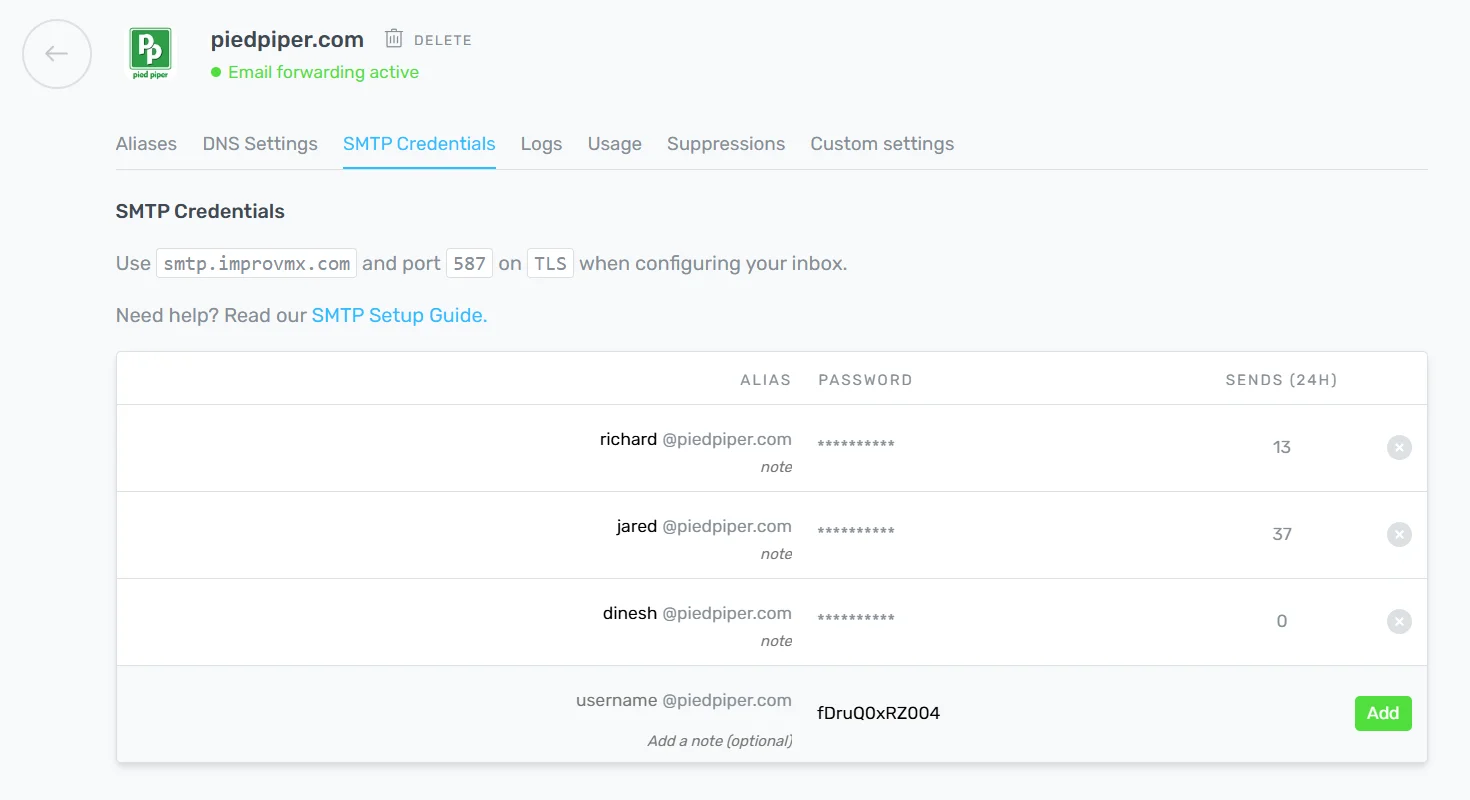
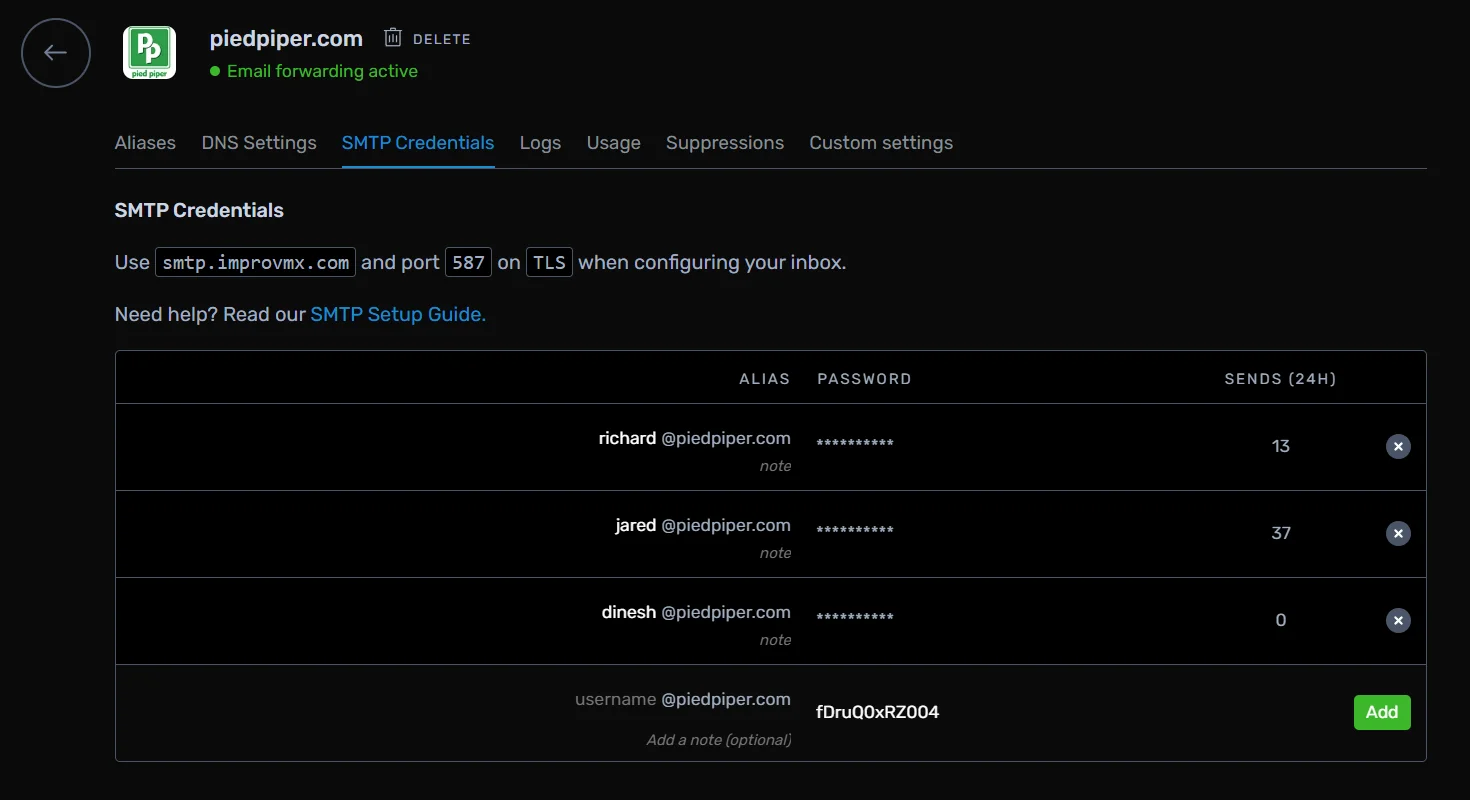
Setting up ImprovMX SMTP: Simplicity meets efficiency
Ready to transform your email communication? Setting up your ImprovMX SMTP is straightforward and takes less than 5 minutes. After upgrading to our premium plans, follow our easy guides to start sending emails that elevate your brand and engage your audience effectively.
A professional alternative to Gmail SMTP
For our free plan users, we provide the option to use Gmail SMTP for sending domain-based emails. However, it relies on an older Google functionality that could be discontinued at any time. It also adds a 'via gmail.com' note to your emails which can detract from the professional appearance of your emails. ImprovMX SMTP, available in our premium plans, eliminates these concerns, offering a reliable, professional, and enduring solution for your email communication needs.
Elevate Your Email with ImprovMX SMTP
In conclusion, ImprovMX SMTP offers more than just an email service – it provides a comprehensive solution tailored for your communication needs. From enhancing your brand's professionalism to ensuring superior deliverability, ImprovMX SMTP empowers you to take control of your email strategy. Don't let outdated or inefficient email setups hold you back. Upgrade to ImprovMX Premium today and unlock the full potential of professional email communication with ImprovMX SMTP.
Important note:
While ImprovMX SMTP is perfect for regular business and personal emailing needs, it is not intended for bulk or mass mailing purposes. For those with high-volume email requirements, we recommend seeking specialized bulk email services to maintain the high quality and compliance of your email communications.

Antoine Minoux
ImprovMX founder and software designer. Now running Fernand (getfernand.com)